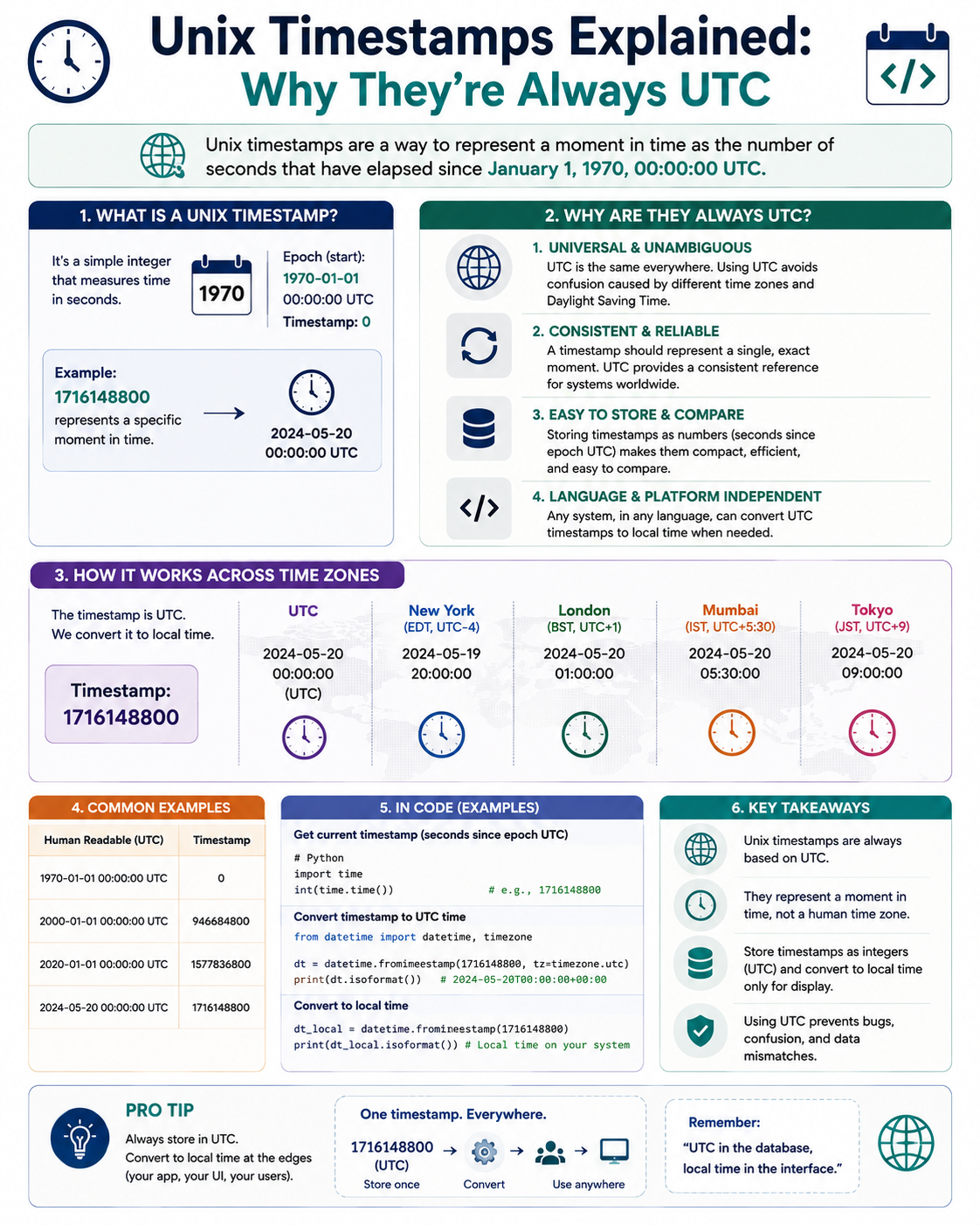
Unix Timestamps Explained: Why They're Always UTC
Every time a computer records an event, it usually stores a single number: something like 1758499200. That number is a Unix timestamp, and it represents one precise moment in time — with no time zone attached.
This confuses people at first. How can a time have no time zone? The answer is the whole point: Unix timestamps are always UTC, and time zones only appear when the number is converted for human display.
This guide explains what Unix timestamps are, why they are UTC, and why that design decision matters.
Use the free time zone converter here →
The Short Answer: What Is a Unix Timestamp?
A Unix timestamp is the number of seconds that have elapsed since 00:00:00 UTC on January 1, 1970, not counting leap seconds.
| Aspect | Details |
|---|---|
| What it is | Seconds since the Unix epoch |
| Epoch | January 1, 1970, 00:00:00 UTC |
| Time zone | Always UTC |
| Leap seconds | Not counted |
| Format | Integer (or float for sub-second) |
| Also called | Epoch time, POSIX time |
| Range (32-bit) | 1901 to 2038 |
| Range (64-bit) | Effectively unlimited |
Why 1970? The Origin of the Epoch
The Practical Reason
The Unix operating system was developed at Bell Labs in the late 1960s and early 1970s. Its designers needed a simple reference point for time.
| Consideration | Why 1970 Won |
|---|---|
| Recent enough | Covered modern computing needs |
| Round number | Easy to remember |
| Convenient for 32-bit | Allowed ~68 years of range |
| Already in use | Early Unix picked it first |
Why Not 1900 or 2000?
| Year | Problem |
|---|---|
| 1900 | Too far back, wasted range |
| 2000 | In the future when Unix was built |
| 1970 | Recent, practical, and already chosen |
The choice was pragmatic, not scientific. Once Unix popularized it, the rest of the computing world followed.
Why Unix Timestamps Are Always UTC
The Core Design Principle
A Unix timestamp is a single instant in time, independent of any location. Time zones are a human convention for displaying that instant, not a property of the instant itself.
| Concept | Nature |
|---|---|
| The instant | Absolute, universal |
| The time zone | Relative, human convention |
| The timestamp | The instant, in seconds |
| The display | Local time, for humans |
An Analogy
Think of a timestamp like a distance measured in meters. A distance of 1,000 meters is the same everywhere. How you describe it — kilometers, miles, or feet — is just a presentation choice.
| Analogy | Time Equivalent |
|---|---|
| Distance in meters | Timestamp in seconds |
| Distance in miles | Local time format |
| The physical distance | The instant in time |
Why This Design Wins
| Benefit | Explanation |
|---|---|
| No ambiguity | One number, one instant |
| Easy comparison | Larger number = later time |
| Easy arithmetic | Subtract to get duration |
| No DST issues | No shifts to handle |
| Global consistency | Same value everywhere |
| Compact storage | Just an integer |
How Time Zones Appear Only at Display
The Conversion Flow
Time zones are applied only when a human needs to read the time.
| Step | Action |
|---|---|
| 1 | Store the timestamp (UTC seconds) |
| 2 | Receive a request to display it |
| 3 | Determine the target time zone |
| 4 | Apply the offset and DST rules |
| 5 | Format for human reading |
Example: One Timestamp, Many Displays
Timestamp 1758499200:
| Time Zone | Displayed Time |
|---|---|
| UTC | 2025-09-22 00:00:00 |
| New York (EDT) | 2025-09-21 20:00:00 |
| London (BST) | 2025-09-22 01:00:00 |
| India (IST) | 2025-09-22 05:30:00 |
| Tokyo (JST) | 2025-09-22 09:00:00 |
| Sydney (AEST) | 2025-09-22 10:00:00 |
Same instant. Different displays. The underlying timestamp never changed.
The Golden Rule of Storing Time
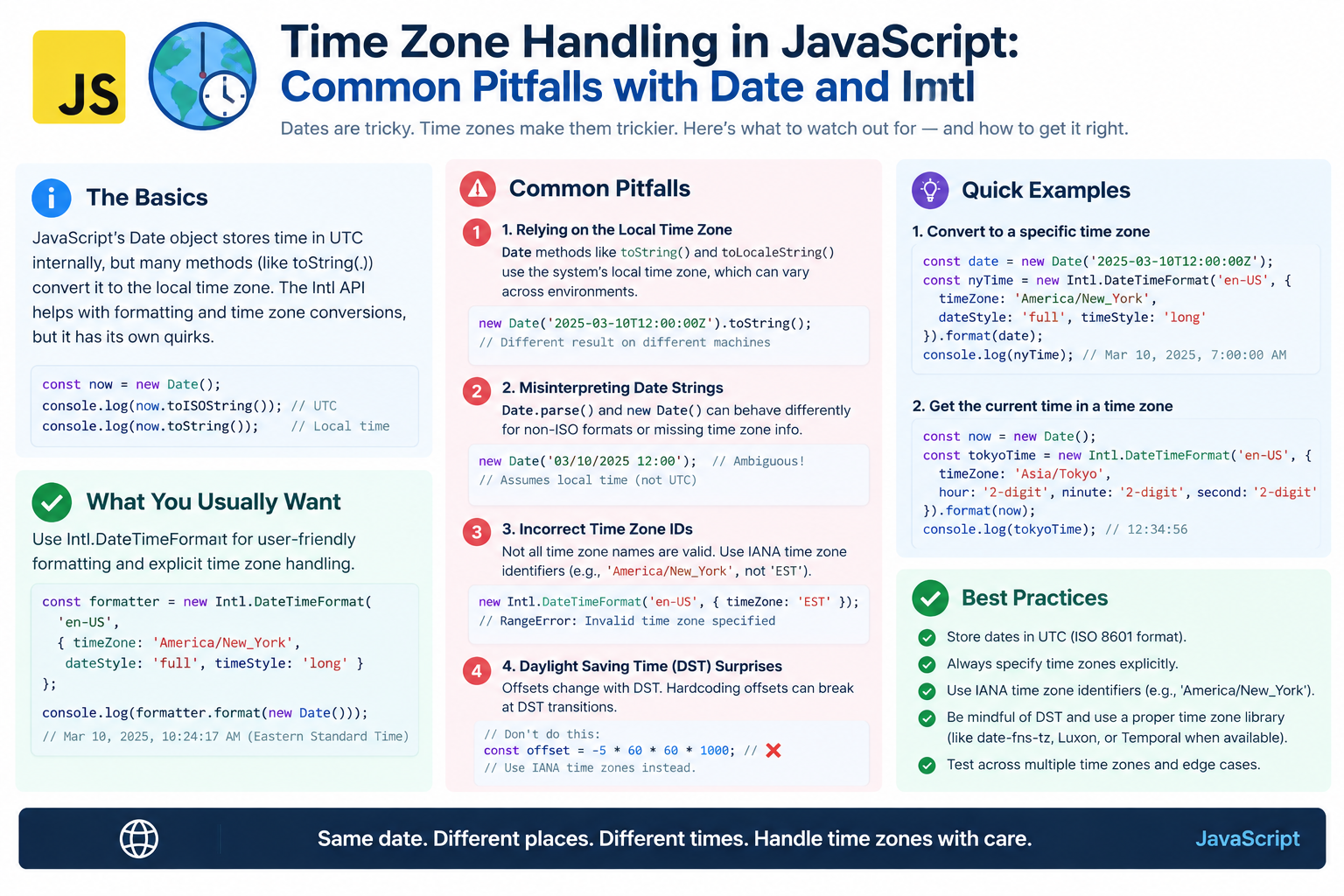
Store UTC, Display Local
This is the most important rule in software time handling.
| Do This | Not This |
|---|---|
| Store timestamps in UTC | Store local times |
| Convert at display time | Convert at storage time |
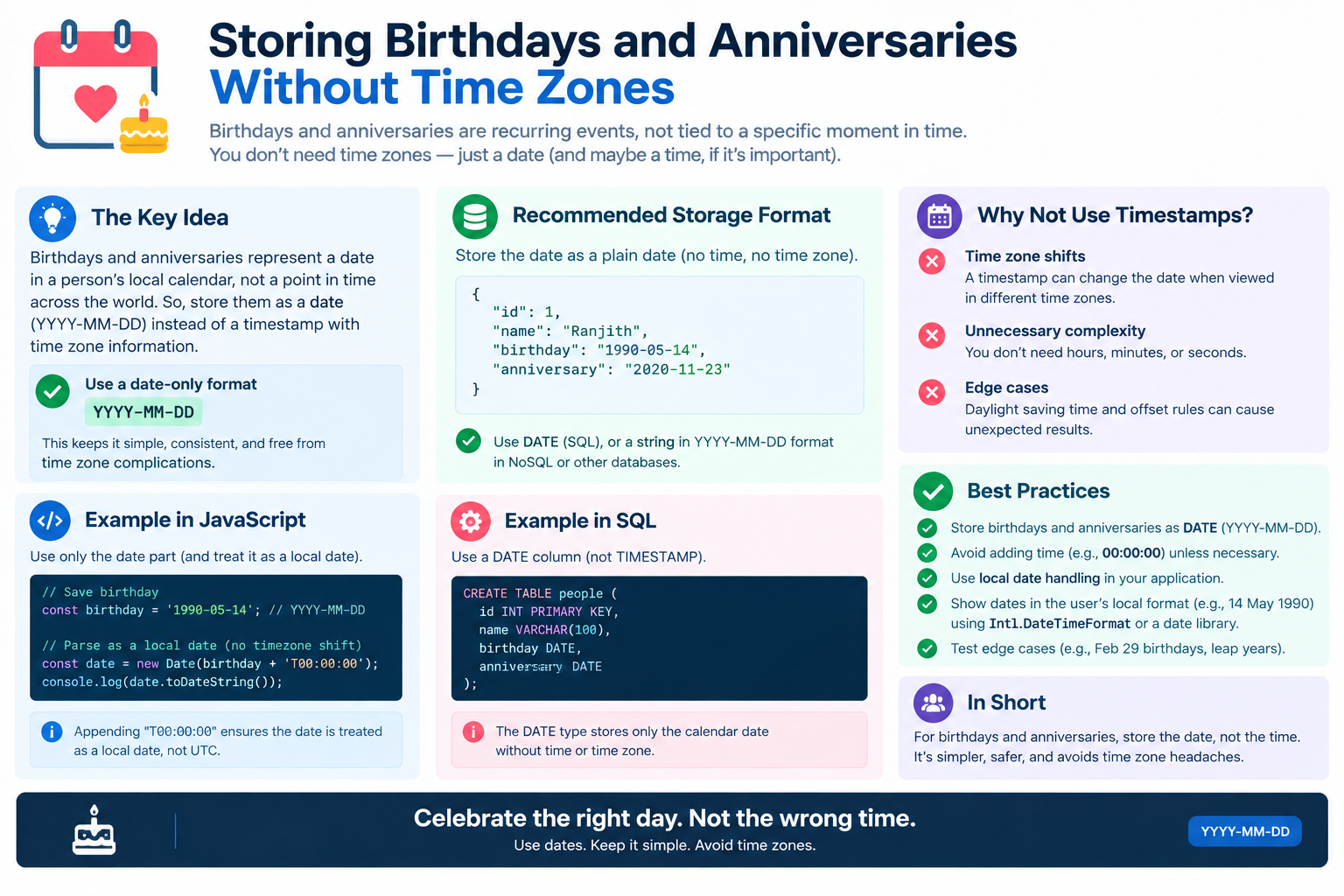
| Keep the zone separately | Bake the zone into the value |
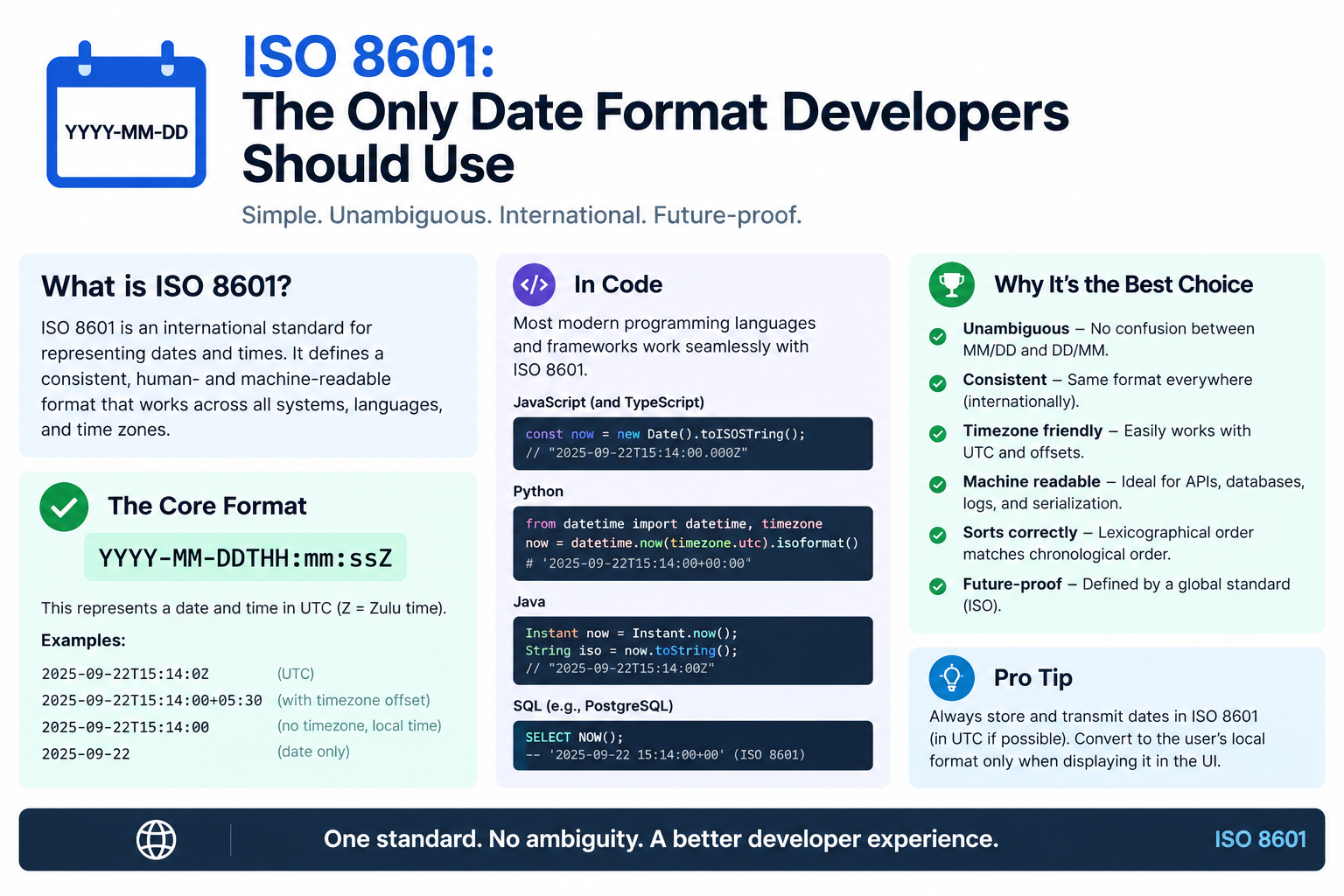
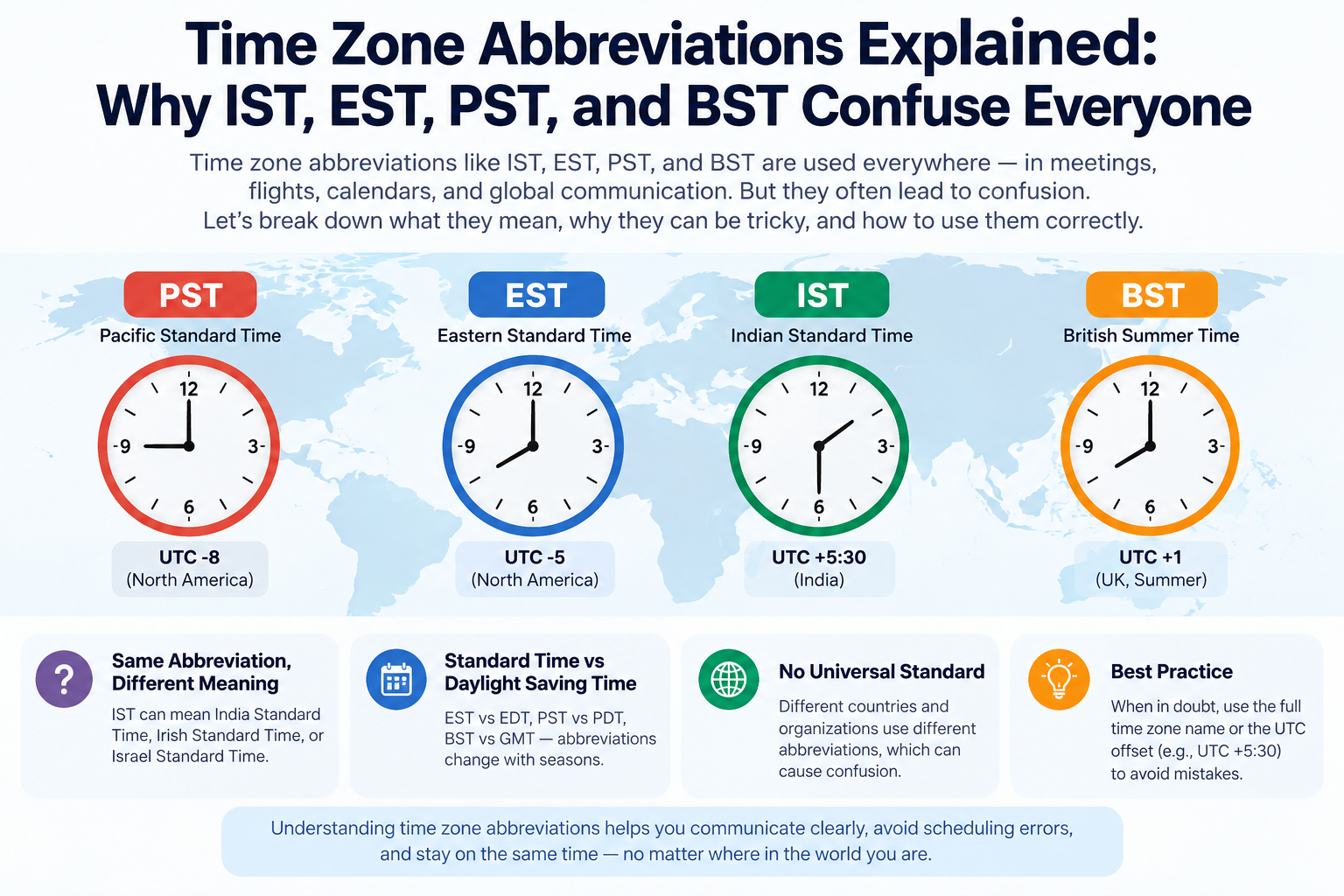
| Use IANA IDs for zones | Use abbreviations |
Why Storing Local Time Fails
| Problem | Explanation |
|---|---|
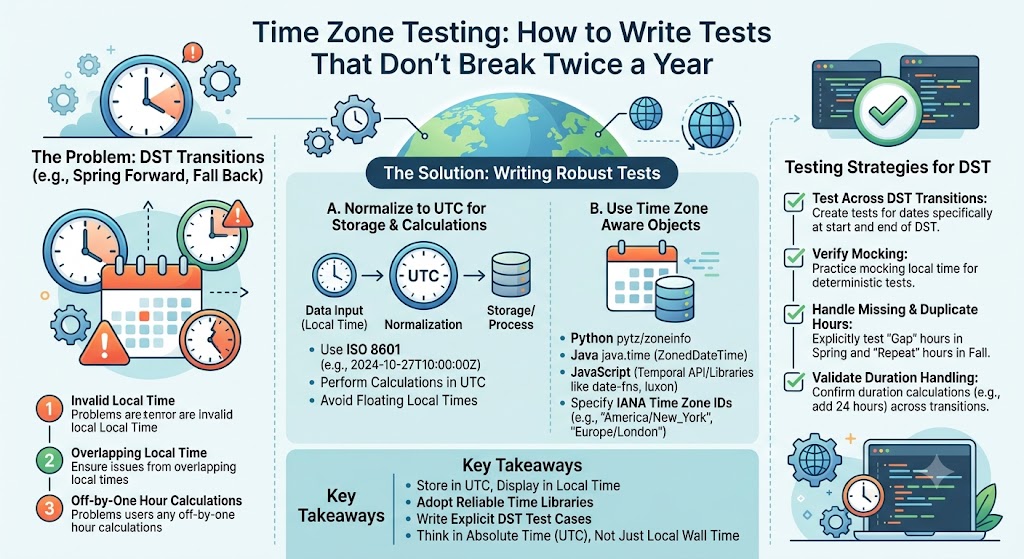
| DST ambiguity | 1:30 AM happens twice in fall |
| Zone changes | Regions change their rules |
| Travel | User moves, stored time is wrong |
| Comparison | Cannot easily compare two local times |
| Arithmetic | Duration math breaks |
Leap Seconds: The Exception
Unix Time Ignores Leap Seconds
Unix time does not count leap seconds. When a leap second is inserted into UTC, the Unix timestamp simply repeats or pauses for one second at the boundary.
| Aspect | Behavior |
|---|---|
| Leap second added | Unix time does not increase |
| Result | Unix time drifts from UTC by seconds |
| Practical impact | Negligible for most software |
| Handling | Systems use "smearing" or ignore |
Why This Matters
Unix time is a continuous count of seconds. UTC is a human time scale that occasionally inserts leap seconds. The two are close but not identical.
| Scale | Continuous? | Leap Seconds? |
|---|---|---|
| Unix time | Yes | No |
| UTC | No | Yes |
| TAI | Yes | No |
The Smearing Solution
Large tech companies handle leap seconds by smearing — spreading the extra second across a longer period, so no clock ever jumps.
| Approach | Behavior |
|---|---|
| Google smear | Spread over 24 hours |
| Amazon smear | Spread over a window |
| Ignore | Most systems simply do not care |
The Year 2038 Problem
The 32-Bit Limit
Many older systems store Unix timestamps as a signed 32-bit integer. This limits the maximum value to 2,147,483,647 — which corresponds to January 19, 2038, 03:14:07 UTC.
| Aspect | Details |
|---|---|
| Limit | 2,147,483,647 |
| Date | January 19, 2038 |
| Time | 03:14:07 UTC |
| Effect | Overflow to negative (1901) |
| Cause | Signed 32-bit integer |
What Happens at Overflow
When the counter overflows, it wraps to a negative number, which represents a date in 1901. Systems may crash, misbehave, or produce incorrect dates.
| System | Risk |
|---|---|
| Legacy Linux | High |
| Old embedded systems | High |
| Modern 64-bit systems | Low |
| Databases | Varies |
| File formats | Varies |
The 64-Bit Solution
Most modern systems use 64-bit integers, which extend the range by about 292 billion years.
| Bit Width | Range |
|---|---|
| 32-bit signed | 1901 to 2038 |
| 32-bit unsigned | 1970 to 2106 |
| 64-bit signed | ~292 billion years |
Why It Still Matters
| Reason | Explanation |
|---|---|
| Legacy systems | Still running in critical infrastructure |
| Embedded devices | Long lifespans, hard to update |
| File formats | Some still use 32-bit |
| Migration cost | Expensive to fix everywhere |
Common Mistakes With Unix Timestamps
| Mistake | Why It Hurts |
|---|---|
| Assuming local time | Timestamps are always UTC |
| Storing local time | Breaks across zones |
| Forgetting milliseconds | Some systems use ms, not seconds |
| Mixing seconds and ms | Off by 1000x |
| Ignoring leap seconds | Rare, but real in precise systems |
| Using 32-bit in new code | Invites Year 2038 issues |
| Displaying without zone | Confuses users |
Quick Reference Card
━━━━━━━━━━━━━━━━━━━━━━━━━━━━━━━━━━━━━━━━━━━━━━━━━━━━━━━━━━
        UNIX TIMESTAMPS — CHEAT SHEET
━━━━━━━━━━━━━━━━━━━━━━━━━━━━━━━━━━━━━━━━━━━━━━━━━━━━━━━━━━

WHAT: Seconds since January 1, 1970, 00:00:00 UTC
ALSO CALLED: Epoch time, POSIX time
TIME ZONE: Always UTC — no exceptions

WHY UTC:
  • A timestamp is one instant, not a location
  • Time zones are display conventions only
  • Same value everywhere on Earth

STORE UTC, DISPLAY LOCAL:
  Store  → UTC timestamp
  Display → Convert to user's time zone
  Never store local time

LEAP SECONDS:
  Unix time ignores them
  Systems either smear or ignore

YEAR 2038 PROBLEM:
  32-bit signed limit → 2,147,483,647
  Overflows on January 19, 2038, 03:14:07 UTC
  64-bit systems solve this

COMMON MISTAKES:
  • Assuming local time
  • Storing local time
  • Mixing seconds and milliseconds
  • Using 32-bit in new code

GOLDEN RULE:
  Store UTC. Convert at display. Keep the zone separate.

━━━━━━━━━━━━━━━━━━━━━━━━━━━━━━━━━━━━━━━━━━━━━━━━━━━━━━━━━━
         Check live conversions at: /timezone-converter
━━━━━━━━━━━━━━━━━━━━━━━━━━━━━━━━━━━━━━━━━━━━━━━━━━━━━━━━━━
Frequently Asked Questions
What is a Unix timestamp?
A Unix timestamp is the number of seconds since January 1, 1970, 00:00:00 UTC, not counting leap seconds.
Why are Unix timestamps always UTC?
Because a timestamp represents a single instant in time, not a location. Time zones are display conventions applied only when showing the time to a human.
Why is the epoch January 1, 1970?
It was a practical choice by early Unix developers at Bell Labs. It was recent, convenient for 32-bit integers, and already in use.
Do Unix timestamps count leap seconds?
No. Unix time is a continuous count of seconds and ignores leap seconds entirely.
What is the Year 2038 problem?
Systems storing Unix time as a signed 32-bit integer will overflow on January 19, 2038, at 03:14:07 UTC, potentially causing failures.
How do I convert a Unix timestamp to local time?
Determine the target time zone, apply its UTC offset and DST rules, then format the result for display. Use a time zone converter for accuracy.
Should I store local time or UTC?
Always store UTC. Convert to local time only when displaying to a user.
What is the difference between seconds and milliseconds in timestamps?
Some systems use milliseconds instead of seconds, making the number 1,000 times larger. Mixing them causes huge errors.
Are Unix timestamps still used today?
Yes. They are one of the most common ways to store and transmit time in software, APIs, databases, and logs.
What is POSIX time?
POSIX time is another name for Unix time — seconds since the 1970 epoch, excluding leap seconds.
Final Thoughts
Unix timestamps are one of computing's most elegant ideas. A single integer captures an exact instant, free of time zones, daylight saving, and political boundaries. Time zones only appear when a human needs to read the value.
This design has survived for over fifty years because it works. The only real threat is the Year 2038 problem, which 64-bit systems have already solved.
Three things to remember:
- Unix time is always UTC. No time zone is attached
- Store UTC, display local. Convert only at the end
- Watch for 2038. Use 64-bit integers in new systems
Check time zone conversions instantly → /timezone-converter
Tags: unix timestamp explained, epoch time, why unix timestamps are UTC, 1970 epoch, year 2038 problem, unix time leap seconds, POSIX time, timestamp conversion, UTC vs local time, time zone converter